etsy product photo white background
Make Etsy Listing Photos Look Pro With a White Background
Etsy buyers care about craftsmanship, but they still respond to clean, consistent photography. Background2White helps you keep the handmade feel while removing distracting backgrounds. The result is a product image that looks trustworthy, easy to compare, and aligned with the rest of your shop.
How it works
Background2White is built for speed and consistency. Upload a photo, let the background removal run, then export a clean white result that is ready for marketplaces, ads, or catalogs. You can repeat the same steps for every image so your catalog stays consistent and your workflow remains simple.
Quality checklist
A clean background is only part of the job. Check edge quality, preserve natural shadows, and confirm that the background is uniformly white. This quick checklist helps you keep the final image consistent across every product photo and listing.
- Edges are crisp with no halos or jagged lines.
- Background is uniform white without gray tones.
- Shadows are soft and close to the subject.
- Resolution is high enough for zoom and detail.
How Cleaner Images Improve Clicks
Search results are crowded on Etsy, and thumbnails do a lot of the selling. A white background makes your product the focal point and makes your shop look cohesive. The clearer the image, the more likely shoppers are to click through and explore your listing.
- Stronger visual contrast in search results
- Clearer details for small handmade items
- Consistent look across your storefront
Great for Handmade, Crafts, and Vintage
Whether you sell pottery, jewelry, prints, or vintage clothing, clean backgrounds showcase texture and craftsmanship. White also highlights subtle colors without competing for attention. You still control the personality of your shop through styling and product detail, while background clutter disappears.
- Works for small, detailed products
- Keeps focus on materials and finishes
- Supports both modern and vintage aesthetics
Quick Steps to a Studio Look
You do not need a full studio setup to get a clean white result. Upload the photo you already have, remove the background, and export. If you want a touch of realism, keep a soft shadow under the item so it does not look like it is floating.
- Upload and replace the background in seconds
- Keep or remove soft shadows
- Export to match Etsy image size
Consistency Across Your Shop
Consistent photography increases trust. When shoppers browse a collection, they should feel like every product belongs to the same brand. Using the same white background and lighting style across your listings helps you look bigger, more established, and more professional.
- Uniform background tone for every listing
- Easier to build cohesive shop sections
- Improved perceived quality
Before and After Preview
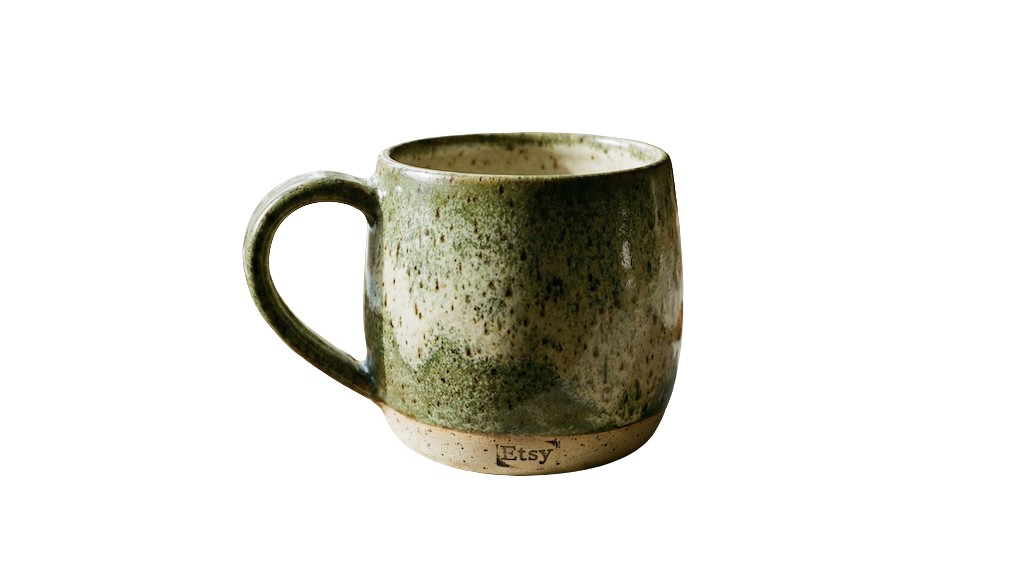
See how a busy background becomes clean and marketplace-ready. The after image shows a bright white background with the product preserved and edges kept crisp.

Pricing and volume
Whether you are editing a handful of listings or a full catalog, choose a plan that matches your volume. You can start free to test quality and upgrade when you need higher-resolution exports or faster throughput.
Related links
Keep going with related resources and the main background removal tool.
FAQs
Do white backgrounds hurt 'handmade' vibes?
Not if you keep your product styling strong. Clean white backgrounds remove distractions and let your craftsmanship shine, while your materials and design still communicate the handmade feel.
What size should Etsy images be?
Etsy recommends at least 2000 pixels on the longest side for best zoom. Upload the largest version you have and export at full quality for sharp results.
Can I keep a soft shadow?
Yes. Soft shadows add realism and keep items grounded. The tool preserves subtle shadows while cleaning the surrounding background.